• VFX History
  • Makin' FX
  • Solvin' FX
  • Makin' Space
  • Codin' FX
  • Makin' Planets
  • Makin' Wormholes
  • Makin' Social Media
  • Reviewin' FX
  • Unreal for After Effects
  • Blendin' After Effects
  • VFX Clinic
Contact
About
Search this site
Buy me a coffee
Merch on Fourthwall
Merch on Redbubble
ShiveringCactus
  • VFX History
  • Makin' FX
  • Solvin' FX
  • Makin' Space
  • Codin' FX
  • Makin' Planets
  • Makin' Wormholes
  • Makin' Social Media
  • Reviewin' FX
  • Unreal for After Effects
  • Blendin' After Effects
  • VFX Clinic
Contact
About
Search this site
Buy me a coffee
Merch on Fourthwall
Merch on Redbubble

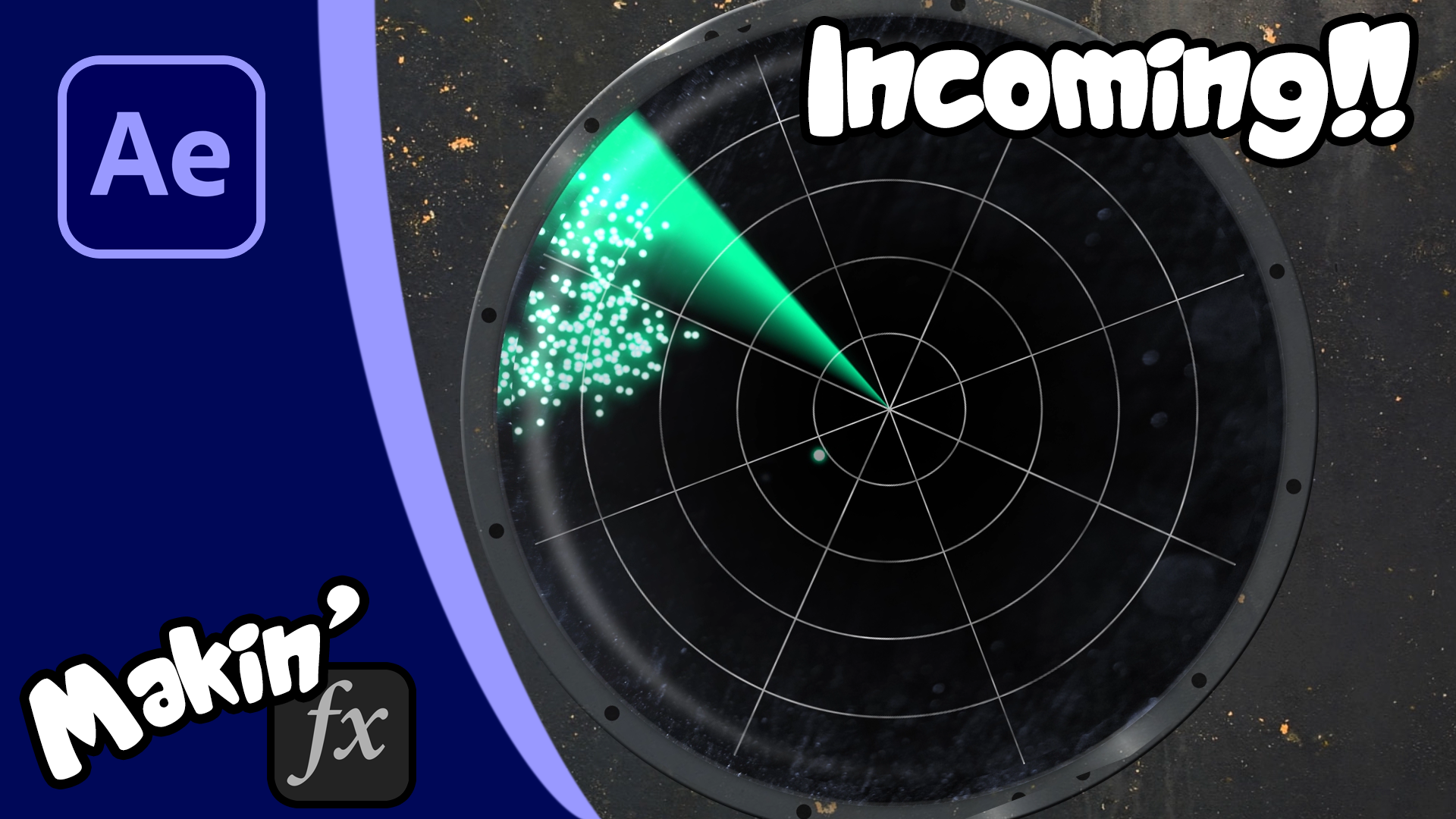
Create a RADAR display in After Effects

An After Effects Tutorial

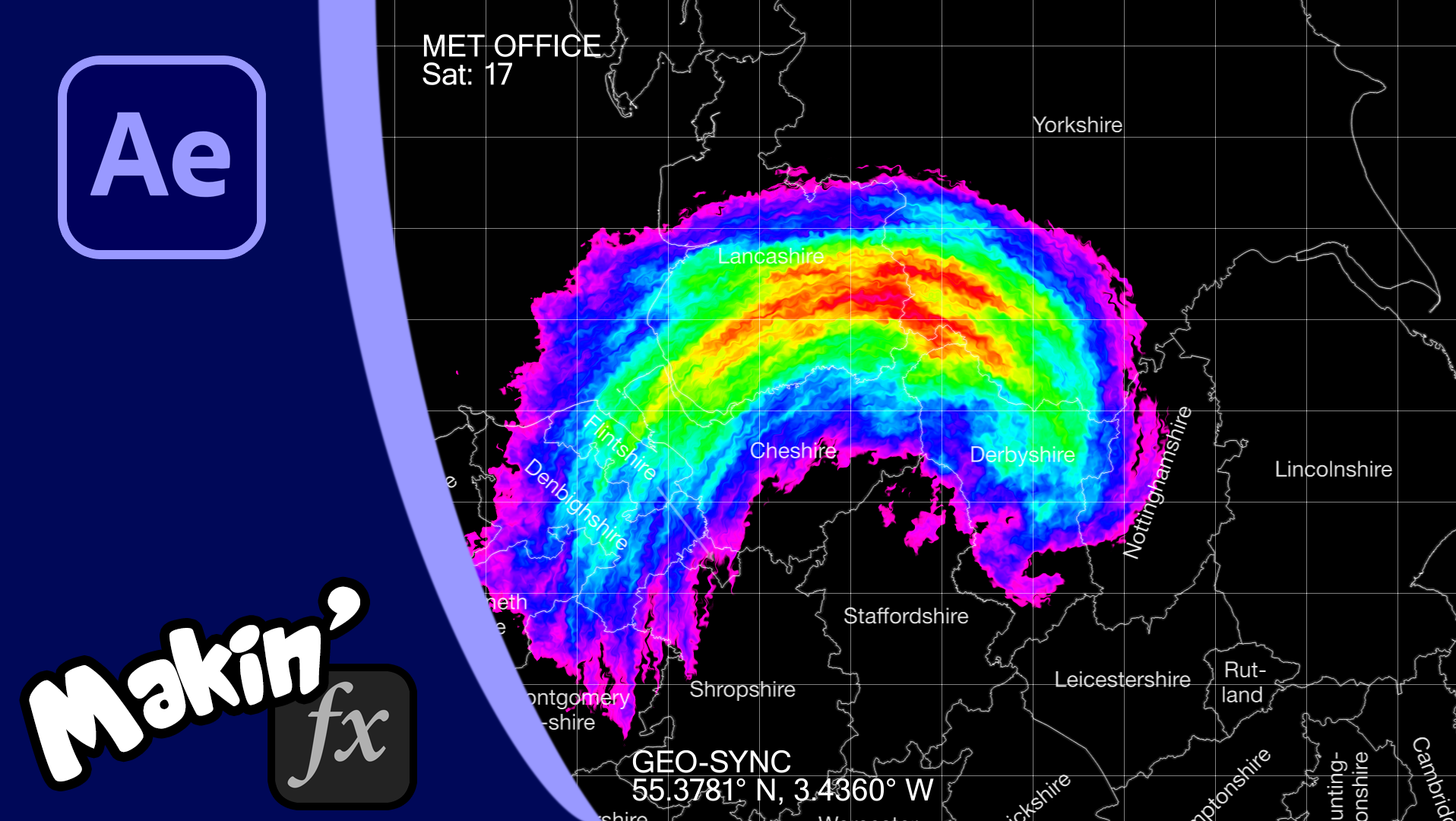
In this tutorial, I help you create a radar display in entirely in Adobe After Effects with no plugins. 
I take you through each element step-by-step, which will (hopefully) make the process easy to follow. We'll create a display is easy to create which features track mattes, polar coordinates and the gradient ramp effect to mimic the look of old-school radar. 
Project Download

You may also like

Making a Twister / Tornado using CC Particle World
2020
Create a 2.5D Ocean without plugins for #TeamSeas
2021
Hologram / Projector Beams without plugins
2019
Create an Air Traffic Control Display
2022
Create Netflix's Hellbound Title in After Effects
2021
Recreating Star Trek Phasers in After Effects
2022
Ring Explosion / Planar Shockwave in After Effects
2022
Recreating Secret Invasion's attack
2022
Realistic Fireworks - no plugins
2022
Animating characters (& dinosaurs) in Element 3D
2021
↑Back to Top


Powered by Adobe Portfolio

test

Hey, this is that annoying thing you have to click to get rid of, that asks if it’s ok to track you by putting a cookie on your computer. I am not personally tracking your progress through the site, but Adobe Portfolio might be.https://www.adobe.com/privacy.html Accept Decline